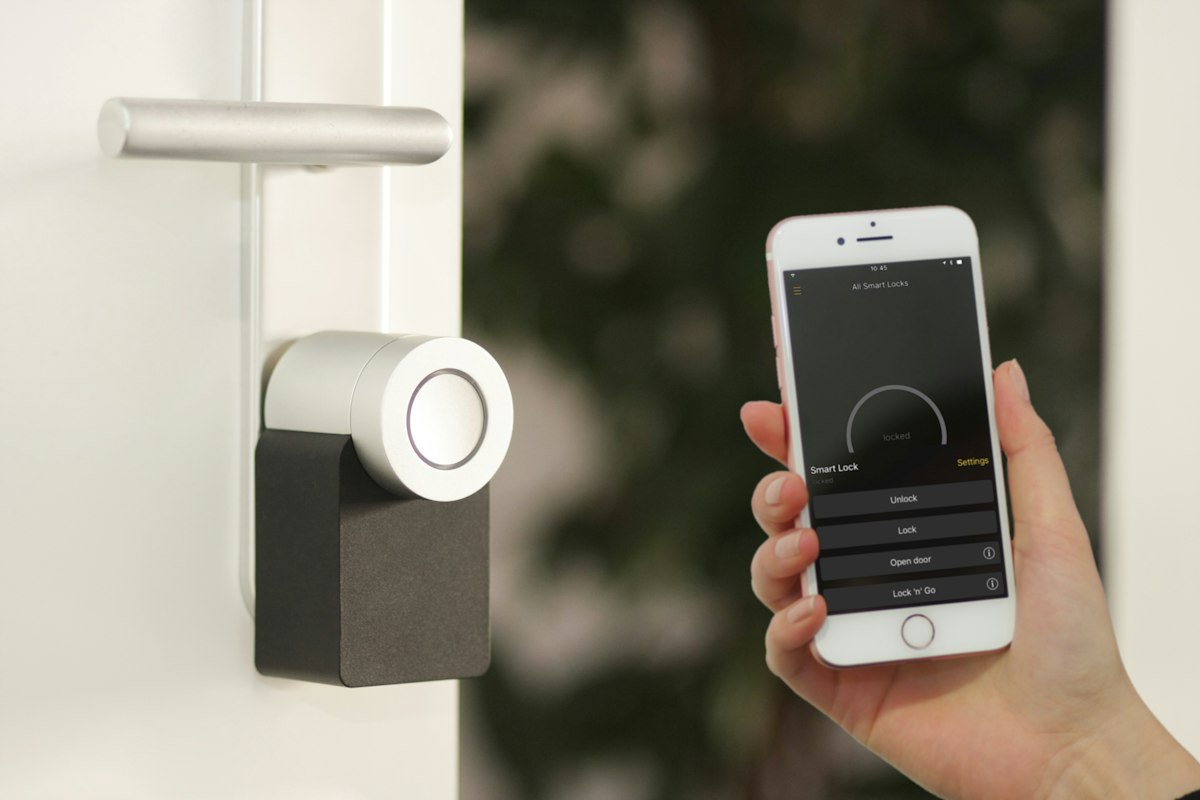
You don't need to spend thousands on a Loxone system or hire an electrician to make your home smart. We set up our entire smart home on a Saturday arvo for under $300 — voice-controlled lights, automated routines, a security camera, and smart plugs — all from Bunnings, Amazon AU, and Officeworks. Everything here is renter-friendly (no drilling, no rewiring) and works with both iPhone and Android.

Step 1: Choose Your Voice Assistant (AU$49–$79)
Everything starts with a voice assistant. It's the brain of your smart home — the device that connects everything and lets you control it all with your voice or phone. In Australia, you have three main options:
| Assistant | Best Device | AU$ Price | Best For |
|---|---|---|---|
| Google Assistant | Google Nest Mini (2nd gen) | ~AU$49 | Android users, best Q&A |
| Amazon Alexa | Echo Dot (5th gen) | ~AU$59 | Most smart home devices |
| Apple Siri | HomePod Mini | ~AU$149 | iPhone + privacy focus |
Our Pick: Google Nest Mini
At AU$49, the Google Nest Mini is the cheapest entry point and has the widest compatibility with Australian smart home products. Google Assistant also understands Australian accents and slang better than Alexa in our testing. Plus, it works with Bunnings' own Arlec Grid Connect range out of the box. Available at JB Hi-Fi, Officeworks, and Bunnings.
Step 2: Smart Lighting (AU$40–$80)
Smart lighting delivers the biggest “wow factor” per dollar. Walk in the door, say “Hey Google, I'm home” and the lights turn on. Set them to dim automatically at 9pm. Wake up to gradually brightening lights instead of an alarm. Here's what to buy:
Lighting Shopping List
Tip: Check your light socket type! Most Australian homes use B22 bayonet (fat pin) or E27 screw. Bunnings Arlec range comes in both. Tapo and LIFX are typically E27.
Start with 2–3 bulbs in the rooms you use most (living room + bedroom). You can always add more later — every smart bulb from the same brand works together automatically.
Step 3: Smart Plugs — Make Anything “Smart” (AU$20–$40)
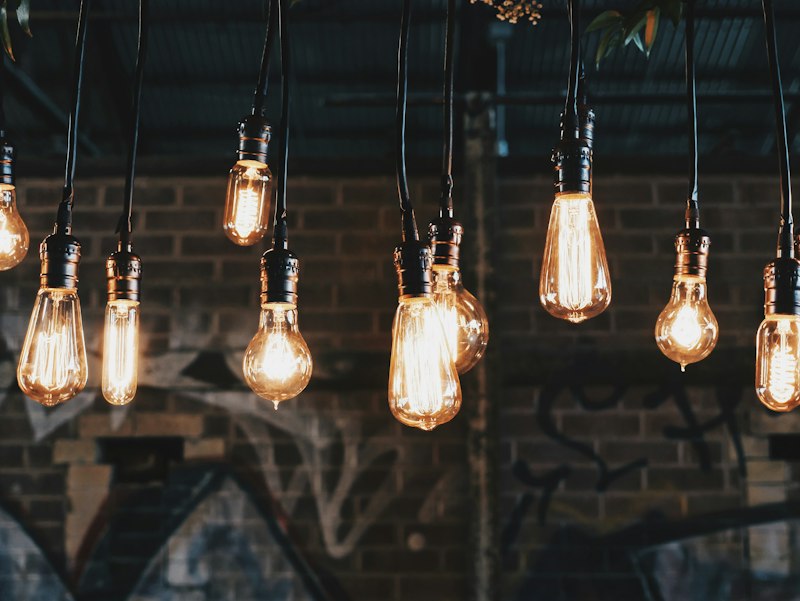
Smart plugs are the secret weapon. Plug one into any existing appliance — a floor lamp, fan, coffee machine, phone charger — and it becomes voice-controllable, schedulable, and remote-controllable. No need to replace the appliance.
Smart Plug Shopping List
5 Clever Things to Do with Smart Plugs
- 1. Schedule your coffee machine to start brewing at 6:45am
- 2. Turn off the kids' TV automatically at 8pm
- 3. Monitor your fridge's power usage to spot energy waste
- 4. Control your Christmas tree lights by voice or app
- 5. “Away mode” — randomly switch lamps on/off to make it look like you're home
Step 4: A Basic Security Setup (AU$60–$100)
You don't need a full ADT system. A single indoor camera and a video doorbell cover most Aussie households. Both are renter-friendly — stick-on mounting, no wiring.
Security Shopping List
Note: Some cameras store footage locally (SD card); others require a monthly subscription for cloud storage. Tapo C200 uses a local SD card (no subscription needed).
The Complete AU$300 Shopping List
Here's our recommended setup that covers lighting, automation, security, and voice control — all under AU$300:
| Item | Price | Where to Buy |
|---|---|---|
| Google Nest Mini (2nd gen) | AU$49 | JB Hi-Fi / Officeworks / Bunnings |
| TP-Link Tapo L530E colour bulbs × 3 | AU$45 | Amazon AU / Officeworks |
| TP-Link Tapo P100 smart plugs (2-pack) | AU$25 | Amazon AU / Officeworks |
| TP-Link Tapo C200 indoor camera | AU$49 | Amazon AU / JB Hi-Fi |
| Ring Video Doorbell (wired) | AU$89 | Bunnings / JB Hi-Fi / Amazon AU |
| Arlec Grid Connect Smart Plug (energy monitoring) | AU$19 | Bunnings |
| TOTAL | AU$276 | AU$24 left for a treat |
5 Routines That Make It All Worth It
Individual smart devices are nice, but the real magic is when they work together through routines — automated sequences triggered by a command, time, or event. Here are five that we use daily:
“Good Morning” Routine
Trigger: “Hey Google, good morning” or scheduled at 6:30am
Lights gradually brighten to warm white over 10 minutes. Coffee machine smart plug turns on. Google reads your calendar and weather for the day. Perfect for replacing that jarring phone alarm.
“Movie Time” Routine
Trigger: “Hey Google, movie time”
Living room lights dim to 10% and shift to warm amber. TV smart plug turns on. Other room lights turn off. One command replaces five separate actions.
“Goodnight” Routine
Trigger: “Hey Google, goodnight” or scheduled at 10:30pm
All lights turn off. Living room smart plug (TV) turns off. Indoor camera switches to motion-detection mode. Bedroom light set to the dimmest warm glow for 15 minutes then off.
“I'm Home” Routine
Trigger: Phone GPS detects you're within 200m of home
Hallway light turns on before you walk in the door. Indoor camera switches off (privacy). Smart plug turns on your fan or heater depending on season. Welcome home.
“I'm Leaving” Routine
Trigger: “Hey Google, I'm leaving” or phone GPS
All lights off. All smart plugs off (saves standby power). Indoor camera activates. “Away mode” enabled — random lights will turn on/off to make it look occupied.
Renter-Friendly: No Drilling, No Rewiring
Tips for Aussie Renters
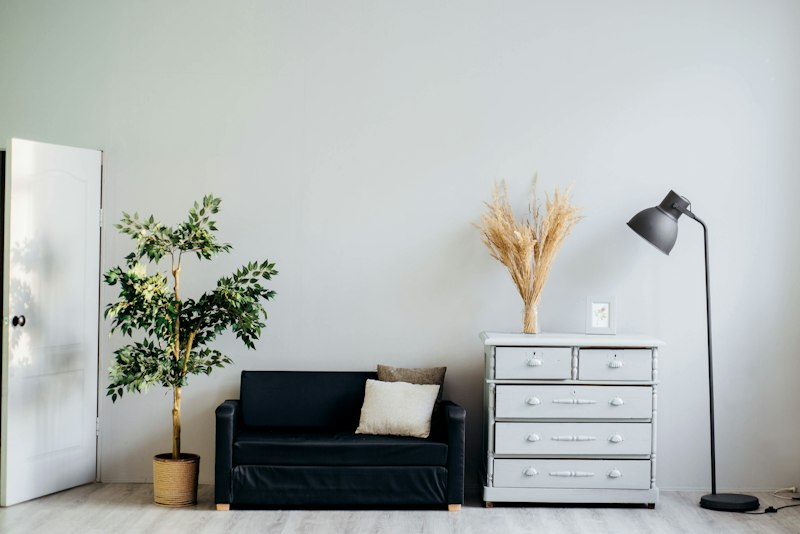
- 1. Smart bulbs screw into existing light sockets — swap them in, swap the old bulbs back when you move out. Zero evidence you were ever there.
- 2. Smart plugs just plug into power points — completely reversible.
- 3. Indoor cameras sit on shelves or stick with 3M adhesive — no drilling.
- 4. Ring Doorbell has a “no-drill” mount option with adhesive strips.
- 5. Keep the original light bulbs in a box — reinstall when you leave. Your landlord will never know.
- 6. Everything connects via WiFi — no new wiring, no electrician, no permission needed from your property manager.
One Word to Know: Matter
If you see “Matter-compatible” on a product box, that's a good sign. Matter is a new universal smart home standard backed by Apple, Google, Amazon, and Samsung. It means a Matter device will work with any voice assistant — so you're never locked into one brand's ecosystem. When buying new devices in 2026, prefer Matter-compatible ones where available. They cost roughly the same and future-proof your setup.
Honestly, our one regret is not doing this sooner. The “Good Morning” routine alone — lights on, coffee brewing, calendar read out — is worth the $276 by itself. Start with the Google Nest Mini and 2–3 smart bulbs. Once you say “Hey Google, lights off” from the couch for the first time, you'll be hooked.
Fair warning: the WiFi setup can be fiddly if your router is old or your signal's weak in certain rooms. We had to move our Nest Mini closer to the router the first week. But once everything's connected, it just works.
Upgrading more than just your home tech?
Coffee machines, TVs, mattresses, standing desks — we've compared them all.
Browse All Shopping GuidesSome of the deals and platforms we've linked to are affiliate partners — if you buy through our links, we might earn a small commission. Doesn't cost you anything extra, and it helps keep the site running. We only recommend stuff we'd actually use ourselves.